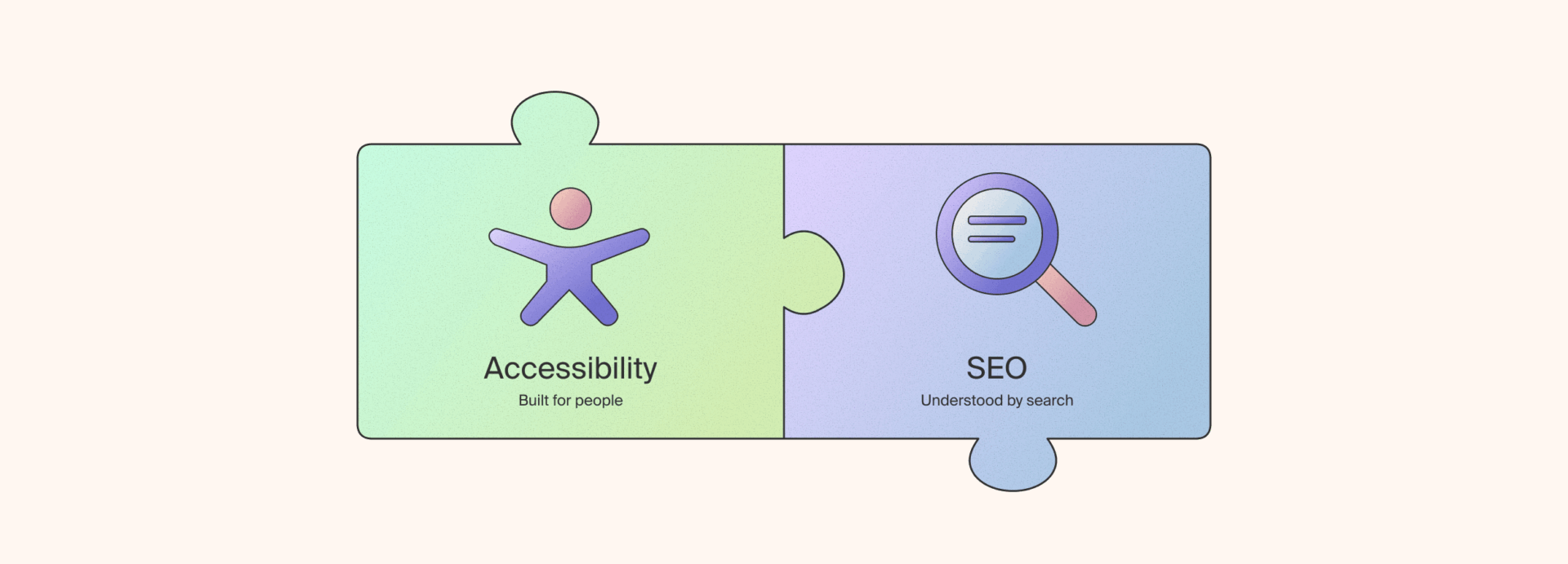
Accessibility and SEO usually get briefed as two separate projects, run by different people, checked off at different points in a build. Most of the time, fixing one goes a long way towards fixing the other.
Accessibility comes first
Accessibility optimisation can determine whether someone using a screen reader, navigating by keyboard, or relying on captions can actually use your site. Semantic HTML tells a screen reader what each part of a page is, not just how it’s styled. Alt text describes an image for someone who can’t see it. A heading hierarchy that makes sense out loud lets someone skip to the section they need instead of listening through the whole page. Transcripts mean video and audio content isn’t closed off to anyone who can’t hear it.
None of this is optional for a properly built site, and it shouldn’t need an SEO justification to get prioritised.
Where it happens to overlap with SEO
Because a search crawler is also trying to work out what a page means without seeing it the way a person does, a lot of accessibility fixes carry a search benefit as well. Alt text that helps a screen reader user also helps that image surface in image search. A working heading hierarchy also gives Google a clearer read on what the page covers. Link text written as “click here” or “read more” is unhelpful to someone tabbing through a list of links, and it tells search engines nothing useful about the destination either, descriptive anchor text fixes both.
This overlap is a reason to stop treating accessibility and SEO as separate briefs. It’s not the reason to do accessibility in the first place.
Where sites tend to fall down
Content locked behind JavaScript with no accessible fallback, alt text that’s just a file name (e. “image_123.jpg”), headings picked for how they look rather than the structure they’re meant to describe, form fields with no labels, video with no transcript at all. An accessibility audit will flag every one of these. So will a technical SEO audit. Fixing it once covers both.
Additionally, Australia’s Disability Discrimination Act already applies to websites, and complaints have led to enforceable outcomes. WCAG 2.2 is the benchmark most legal and government tenders now require. That’s a business reason to prioritise accessibility on its own, well before SEO enters the conversation.
One build, not two briefs
Accessibility shouldn’t be the thing added last before launch, and it shouldn’t sit in a brief separate from SEO. Build it in properly and you’ve made the site usable for people currently locked out of a poorly built page, met a legal standard, and picked up some SEO benefits along the way. That order matters, accessibility is the point, SEO is what comes with it.
FAQs
Is WCAG compliance a legal requirement in Australia?
The Disability Discrimination Act already applies to websites, and complaints have led to enforceable outcomes. WCAG 2.2 is the standard most legal and government tenders point to, though there’s no single law mandating a specific WCAG level for every business.
Do I need alt text on every image?
Every image that conveys information needs alt text describing what it shows or does. Purely decorative images can have empty alt text so screen readers skip them, rather than reading out something meaningless – this helps to reduce “visual noise”. Consider whether your images are helpful for users when understanding the context of a page, or are they purely decorative.
Does making a site accessible actually improve SEO?
There’s no official accessibility ranking factor. But a lot of the fixes, semantic HTML, descriptive alt text, a working heading hierarchy, pages that don’t rely on JavaScript just to display content, are the same ones that help a search crawler understand the page. The SEO benefit is a side effect, not the reason to do it.
Does fixing accessibility issues slow down page speed?
No, if anything it tends to help. Accessible builds generally rely less on heavy JavaScript rendering and more on clean, semantic markup, which loads faster for everyone.

-
![]()
Multi-location marketing for franchise brands: how to scale local visibility
Sep 2026 4 min read -
![How AI search is changing the property buyer journey banner]()
How AI Search Is Changing the Property Buyer Journey
Sep 2026 4 min read